Requirements
System Requirements
| Component | Version |
|---|---|
| Unity Version | Unity 6 (6000.0 LTS) or newer |
| Game Creator 2 | Core (required) |
| Input System | Required (Game Creator 2 depends on it) |
| Netcode for GameObjects | Optional (enables the multiplayer module) |
| GC2 Melee / Shooter | Optional (hunter hit bridges) |
| GC2 Stats | Optional (a stat system ships with the package) |
| TextMeshPro | Optional (HUD components accept Text or TMP) |
Installation Steps
- Import Game Creator 2 Core
From the Asset Store or Package Manager. Open it once so it finishes its own setup. GC2 pulls in Unity's Input System, which this package also relies on.
- Optional — install Netcode for GameObjects
Package Manager → Install by name →
com.unity.netcode.gameobjects. The multiplayer module compiles the moment it is present, and is entirely absent otherwise — no errors, no stubs. - Import the Transformation System
It installs to
Assets/Plugins/TransformationSystem/ - Wait for compilation
Seven assemblies compile: Common, Runtime, GC2, UI, Samples, Netcode and Editor. Netcode is skipped when the package is not installed.
- Install the samples
Through Game Creator's own install window, so your project stays clean unless you want the examples.
- Open the Setup window and clear any red row
Window → Transformation System → Setup
Package Structure
Assets/Plugins/TransformationSystem/
├── Common/          Shared constants and project paths
├── Runtime/
│   ├── Core/        Transform Controller, World Object, Highlight, FX
│   ├── Data/        Definitions, registry, profiles and settings assets
│   ├── Hunter/      Hunter Interaction and the UnityEvent penalty bridge
│   ├── Round/       Round System and its state machine
│   ├── Stats/       Prop Stat Sheet, stat types, vital depletion
│   ├── UI/          Round timer, health bar, whistle cooldown
│   ├── Utilities/   Clone motion, whistle, physics driver, spawn points
│   ├── GC2/         Instructions, Conditions, Events, Property Getters
│   └── Netcode/     Optional multiplayer module (compile-gated)
├── Editor/          Setup window, inspectors, node catalog generator
├── Samples/         Lobby board UI, scene bootstrap, screen loader
├── Examples/        The five sample scenes, via the GC2 installer
└── Docs/            Ten markdown documents, incl. the generated node catalog
Sample Scenes
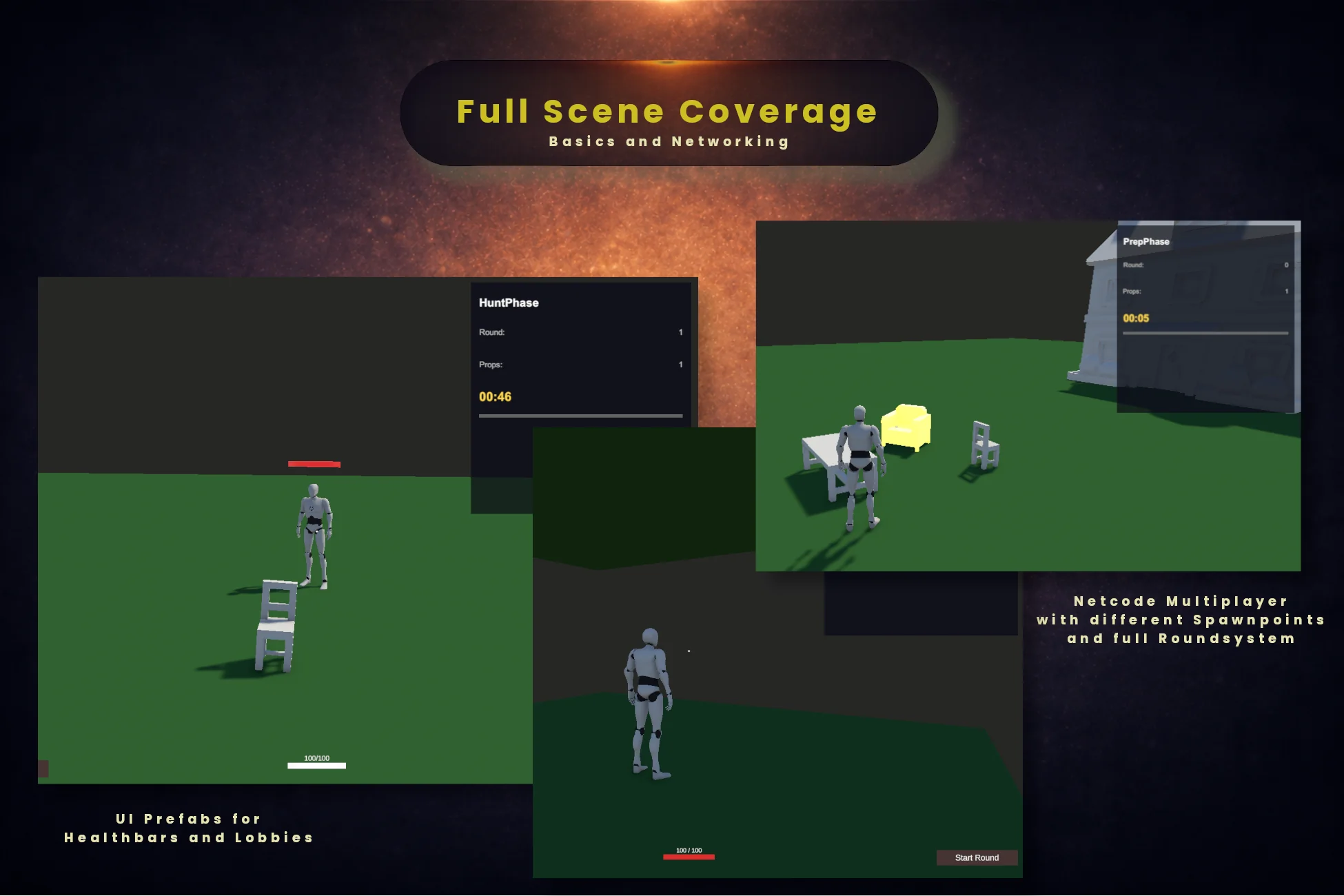
Five scenes install through the Game Creator install window. They contain no custom scripts beyond the sample UI — every behaviour you see is authored with the nodes documented here.
| Scene | What it shows |
|---|---|
| 0_Main_Menu | Host / Join menu with the Network Manager and the scene loader. Start here for multiplayer. |
| 1_Basic | A room of props, one hider, transform and revert on a key. The smallest complete loop. |
| 2_Whistle | Adds the whistle: a cooldown, a positional sound and a hunter reacting to it. |
| 3_PlayHunter | Hunter POV — crosshair, inspect, correct and wrong guesses with damage wired. |
| 4_Networking | A full networked match: prefabs, replicators, spawn points and role visibility, ready to play. |
Setup Window
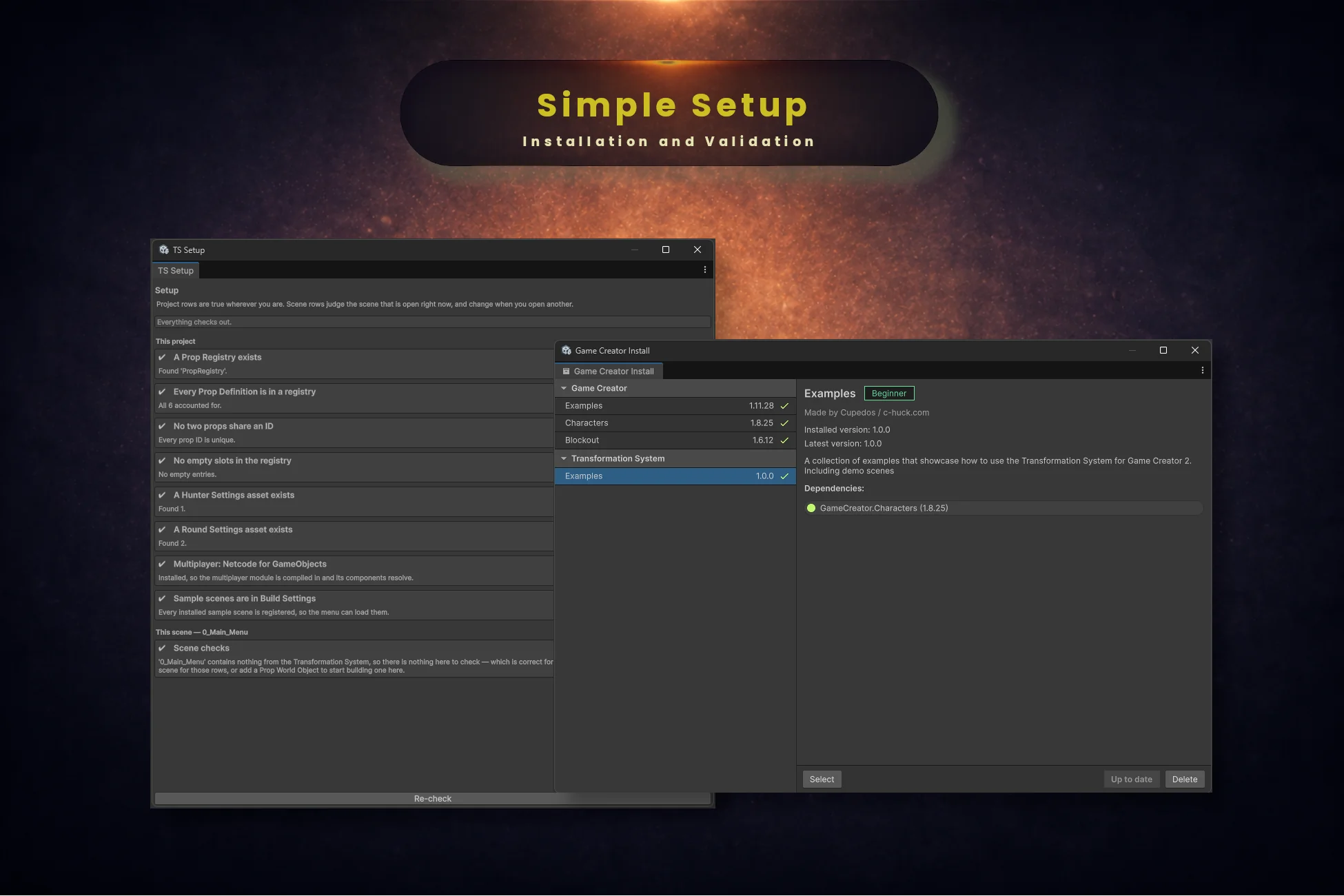
Window → Transformation System → Setup audits the project and fixes what it can with a button. Each row is phrased as the thing that should be true, so a green board reads as a checklist you have passed.
The rows come in two kinds, which the window says at the top: project rows are true wherever you are; scene rows judge the scene that is open right now, and change when you open another.
This project
- •A Prop Registry exists — with a one-click create if it does not
- •Every Prop Definition is in a registry — a definition nothing lists can never be looked up by ID
- •No two props share an ID — a copy-pasted definition cannot silently shadow the original
- •No empty slots in the registry — a deleted definition leaves a null entry behind
- •A Hunter Settings asset exists · A Round Settings asset exists
- •Multiplayer: Netcode for GameObjects — whether the package is installed, and therefore whether the module is compiled in
- •Sample scenes are in Build Settings — the one row a fresh project usually shows red
This scene
- •The open scene has props to hide as — counts Prop World Objects in the loaded scene
- •Hunters cannot see through walls — names the layers that carry solid colliders but sit outside the interaction mask
Verify Installation
- ✓Window → Transformation System → Setup opens the audit window
- ✓Create → Transformation System → Prop Definition appears in the Project window context menu
- ✓Add Component → Transformation System lists Transform Controller, Prop World Object, Hunter Interaction and Round System
- ✓A GC2 Actions component finds the Transformation System category in the node picker
- ✓The
1_Basicscene plays: looking at a crate highlights it, and the transform key makes you one
Transformation System/… — search the node's title rather than browsing the tree.